Microsoft Dynamics 365 Business Central 2026 Release Wave 2, version 29, is available for preview in September, with general availability planned for October.
As with recent releases, AI and agents continue to be key investment areas. This release brings enhancements to Copilot, Model Context Protocol (MCP), and AI agents, along with improvements to reporting and usability.
Here are some of the key updates Business Central users should have on their radar.
A New AI at Work Roadmap
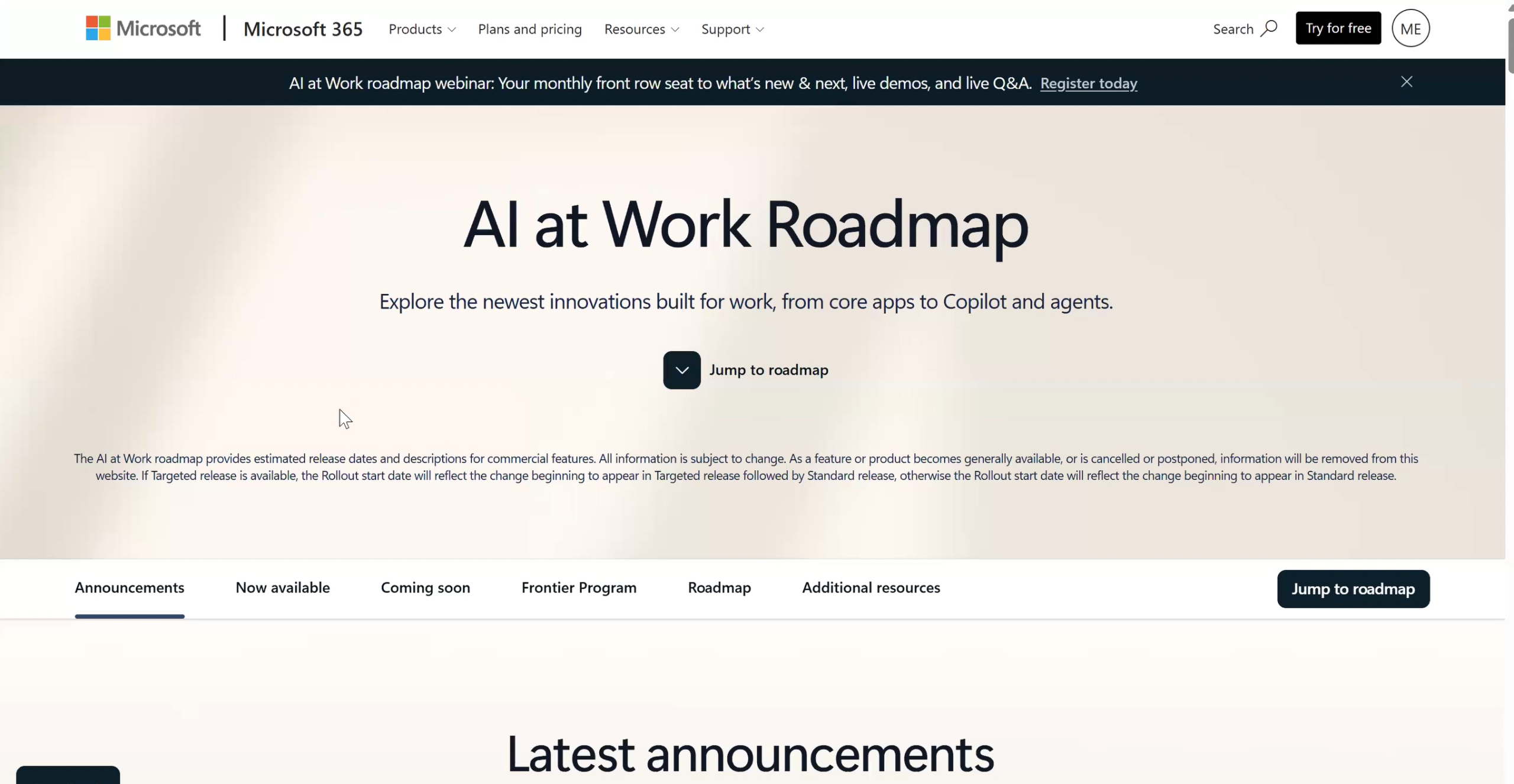
Microsoft is changing how it communicates product updates. Instead of relying primarily on static release plans, Microsoft is moving toward the AI at Work Roadmap.
This provides a more dynamic view of features across Microsoft products, allowing users to see what’s in development, currently rolling out, or already launched.
The twice-yearly Business Central release waves will continue, but the roadmap provides a more real-time way to follow new functionality.
A More Natural Copilot Experience
Copilot in Business Central is becoming more conversational and intuitive.
Users can ask natural-language questions about their Business Central data, such as finding past-due customer invoices or summarizing sales for their top five customers. Copilot can provide insights and links to the underlying information.
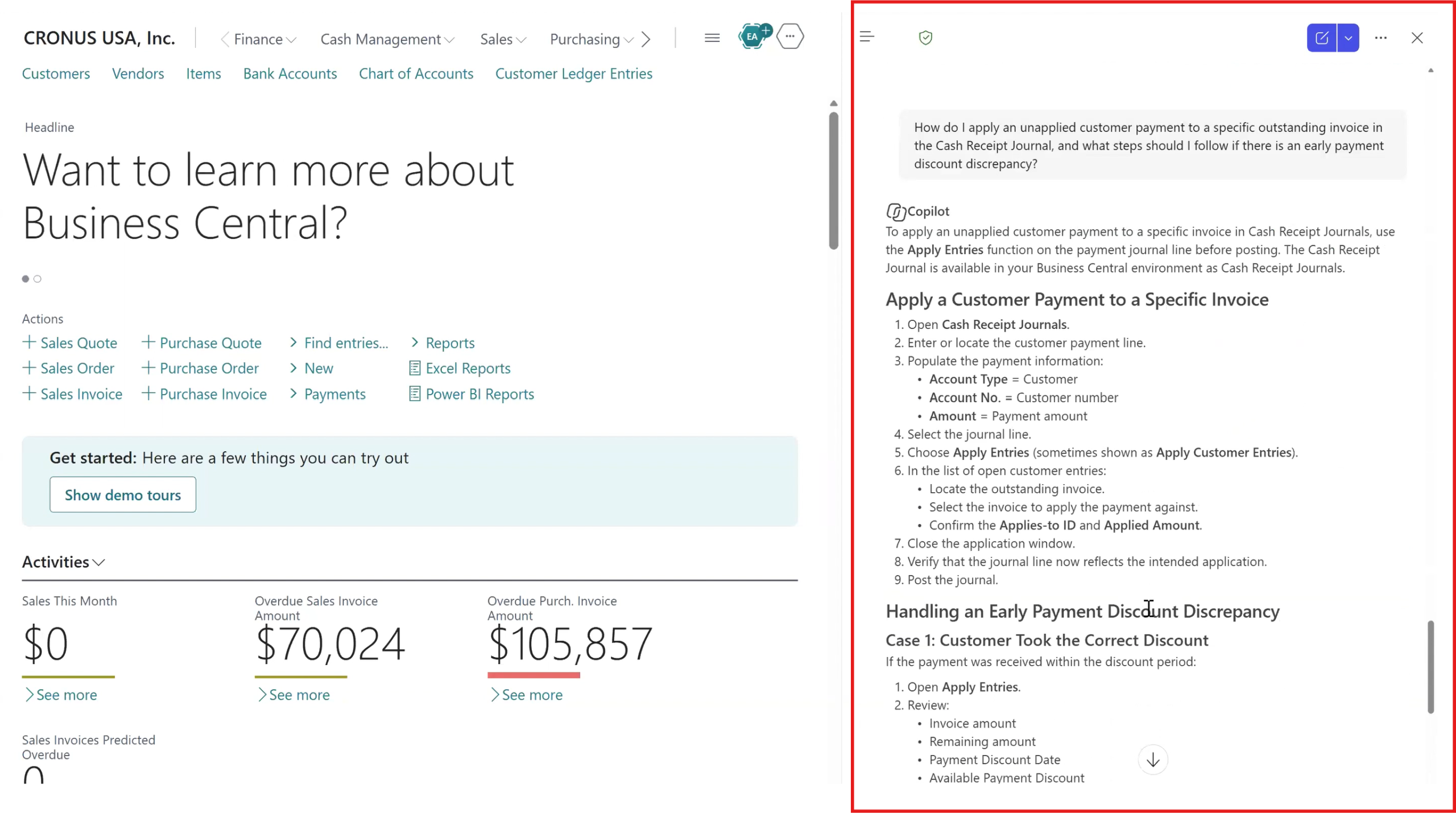
Copilot can also answer questions about using Business Central. For example, a user could ask how to apply an unapplied payment and receive instructions focused on that specific task.
This builds on the Copilot capabilities introduced in previous Business Central releases.
Model Context Protocol (MCP)
Another interesting addition is Model Context Protocol (MCP), which allows AI models and agents to access information across multiple systems through APIs. Business Central now includes MCP configuration, creating opportunities for AI to work with Business Central data alongside information from other applications.
One of the interesting aspects of MCP is its ability to work with unstructured data across different systems. In a traditional data warehouse, you typically need to identify key fields, establish relationships, and structure the data before you can analyze it. With MCP, AI can review information from different sources together and respond to natural-language questions based on the data it has access to.
MCP is still fairly new, but we’re starting to see some customers explore and roll out this technology.
Payables and Expense Agents
Microsoft also continues to enhance its task-specific AI agents. From the Role Center or home page, users can access agents such as the Payables Agent, Expense Agent, and Sales Order Agent, with these capabilities expected to continue evolving over time.
The Payables Agent helps automate vendor invoice processing through an AP inbox. It uses predefined mappings and can learn as users correct or add mappings, helping improve invoice processing over time. It can also incorporate approval workflows and support both PO and non-PO invoices.
The Expense Agent adds AI to the expense reporting process. Recent enhancements include multi-layer approvals and workflows, along with improved logic for identifying potentially duplicate expenses. With these capabilities, Business Central now provides a more complete expense reporting and reimbursement process with AI embedded.
While general Copilot functionality is included with the base application, these task-specific agents have a per-transaction cost.
Overall, Business Central 2026 Release Wave 2 continues Microsoft’s move toward making AI a more integrated part of everyday Business Central workflows.
Stay tuned for Part 2, where we’ll dive into search, reporting, and financial enhancements.

